> For the complete documentation index, see [llms.txt](https://docs.kernel.ai/llms.txt). Markdown versions of documentation pages are available by appending `.md` to page URLs; this page is available as [Markdown](https://docs.kernel.ai/data/firmographics/custom-verticals.md).
# Industry (custom)
Custom industry classification grounded in Kernel entity data and customer context
A custom industry classification is a customer-specific way to categorize accounts.
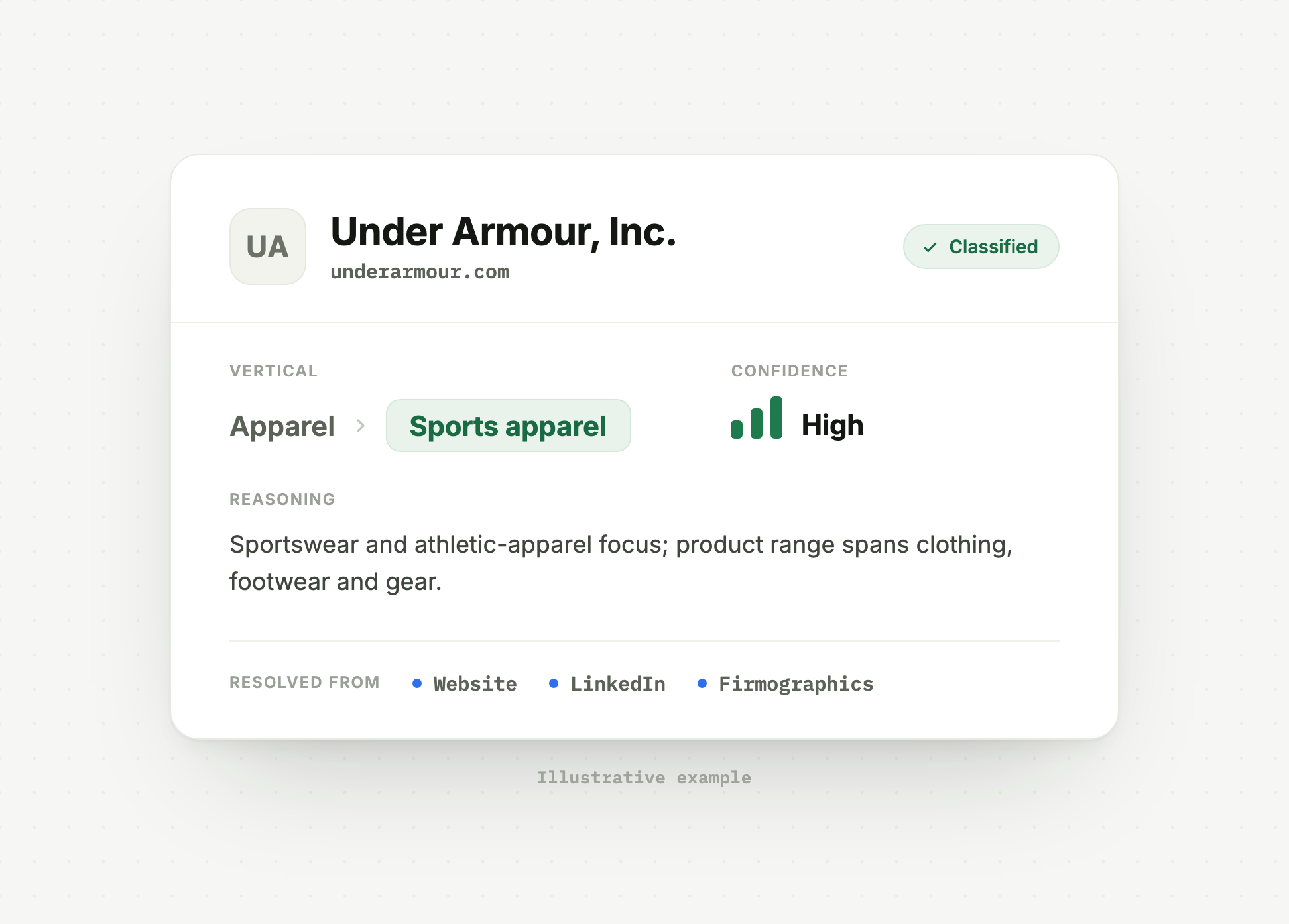
Kernel can classify accounts into the industry categories your team uses for routing, reporting, territory planning, or workflow automation. You define the categories, subcategories, inclusion rules, exclusion rules, and examples. Kernel applies that schema to account evidence such as websites, LinkedIn profiles, business descriptions, and other entity context, then returns the assigned category with reasoning.
## How it works
{% stepper %}
{% step %}
### Define schema
Define the categories, subcategories, and rules in the Kernel platform.
{% endstep %}
{% step %}
### Test and iterate
Run the schema across a test set of accounts and refine it for edge cases.
{% endstep %}
{% step %}
### Deploy
Classify the CRM and write the result into account-level fields.
{% endstep %}
{% endstepper %}
Schemas can use broad categories and subcategories. For example, a top-level category such as *Healthcare*, *Financial Services*, or *Education* can include more specific subcategories such as *Digital Health Platforms*, *WealthTech Advisories*, or *EdTech SaaS*.
Each category and subcategory can include definitions, inclusion rules, exclusion criteria, and examples. Kernel uses those rules to map account evidence to the best matching category. When an account could fit multiple categories, Kernel follows the schema hierarchy and returns reasoning for the assignment.
The output is a structured industry value that can be reviewed, synced to your CRM, and used in downstream workflows.
A classified account: the assigned vertical, confidence, and the reasoning behind it
## Key data points
| Label | Description |
| -------------------- | ---------------------------------------------------------------------------- |
| Custom industry | Customer-defined category assigned by Kernel. |
| Custom sub-industry | More specific customer-defined subcategory, when the schema uses one. |
| Industry reasoning | Explanation of why Kernel assigned the category or subcategory. |
| NAICS classification | Standard NAICS classification when available or configured for the workflow. |
## Configuration
Custom industry classifications can be configured within the Kernel Platform. You can review the schema, configure conditional subcategories, and define what does or does not belong in each category.
Your Solutions Engineer can help test the schema during implementation.
### Pre implementation
Before implementation, define the category structure you want Kernel to apply. For a practical workflow, see [Plan your custom industries](/guides/custom-industries.md). Your Solutions Engineer can help you test the schema and resolve overlapping categories.
### Demonstration
Use the video below as a guide to configure custom industry classifications in the Kernel platform. For additional support, work with your dedicated Solutions Engineer.
{% embed url="" %}
See the [Kernel Account object reference](/integrations/salesforce-integration/kernel-account-object-reference.md#industry) for field types and help text.